
CyberLink PowerPlayer
CyberLink.com
Downloads
100,000+
Source
Google Play
Advertisement
Click to download now, finish the installation quickly, and directly unlock the all-round experience
Advertisement
Screenshots
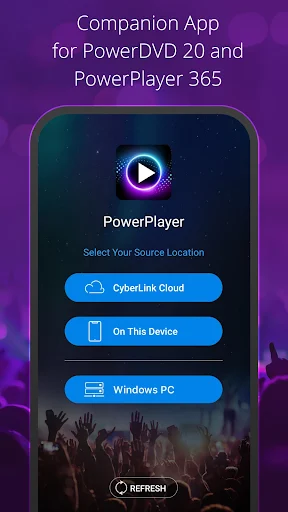
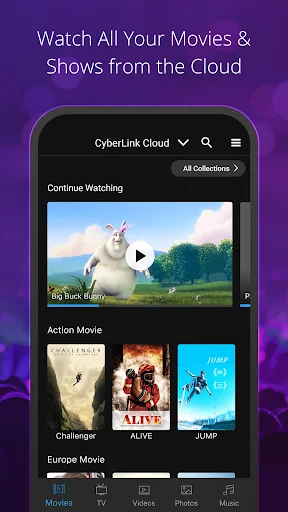
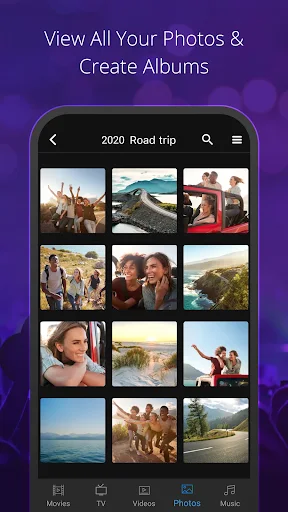
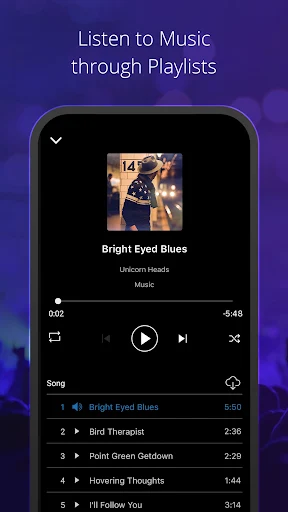

Click to download now, finish the installation quickly, and directly unlock the all-round experience
CyberLink PowerPlayer is a media player for watching videos and viewing photos or listening to music shared from a home computer or stored in CyberLink Cloud. It suits people who already use CyberLink’s PowerDVD or PowerPlayer 365 and want to access that media on an Android device. The listing shows a 3.24 rating from 1,338 reviews and 100,000+ installs; the developer is CyberLink.com.
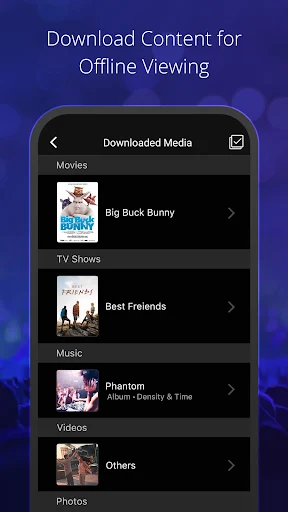
The described playback sources are a shared home Wi-Fi network and CyberLink Cloud, so the features depend on being able to reach those sources. The available information does not say whether media can be saved on the device for playback without a connection. If you need to watch while travelling with no signal, confirm that your files are available locally before relying on the app.
Supported app languages are not specified in the available details. The app is presented as a companion to PowerDVD or PowerPlayer 365 on a home computer. CyberLink says an activated CyberLink Cloud account is needed for the best experience; cloud playback, uploads and sharing links are tied to that service. The listing does not clarify which functions, if any, are available without an account or the desktop software.
PowerPlayer can play media shared over home Wi-Fi or hosted in CyberLink Cloud. Cloud features include uploading media and creating shareable links, with options to password-protect or restrict those links. The description does not give a local storage requirement or a cloud storage limit, so check those details if you plan to upload a large collection. Sharing with friends and family applies to cloud-uploaded media; recipients can use PowerPlayer or a browser to play shared items.