Advertisement
Click to download now, finish the installation quickly, and directly unlock the all-round experience
Advertisement
Screenshots
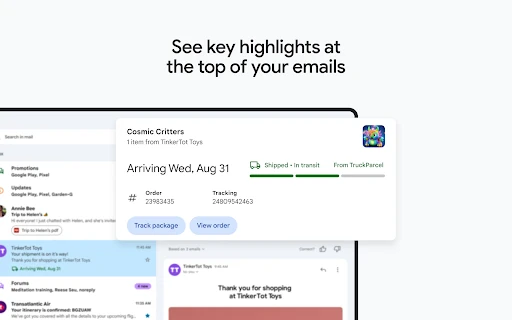
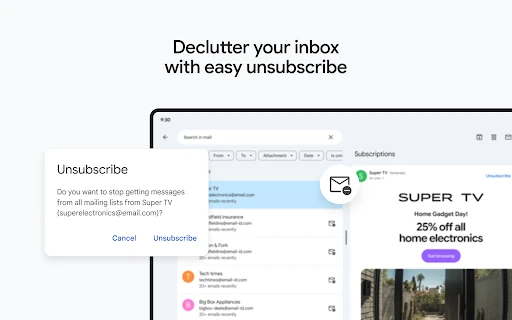
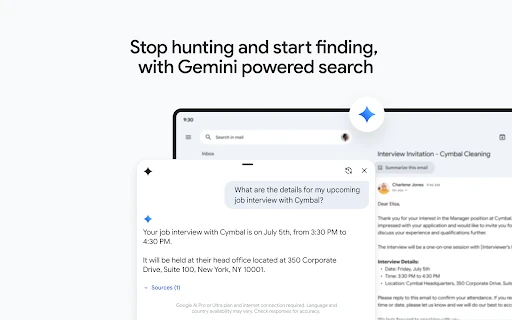
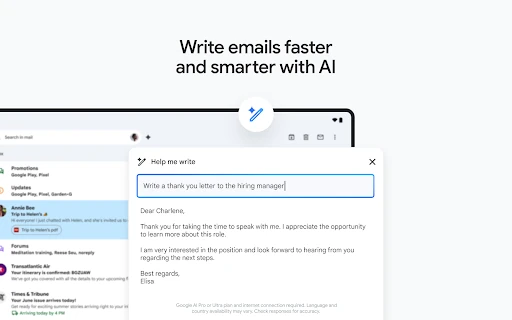
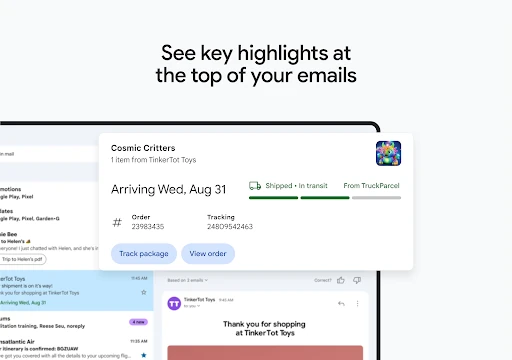
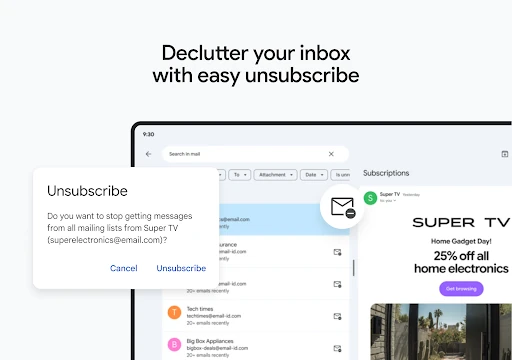
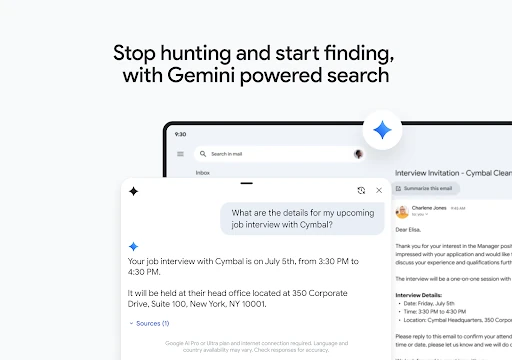
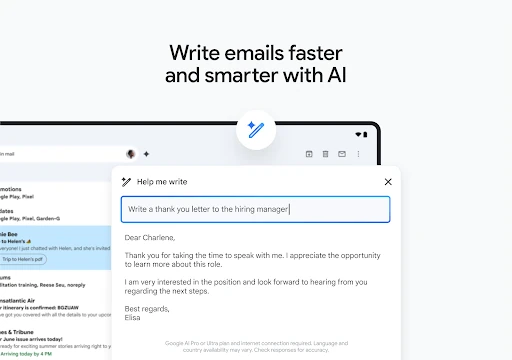
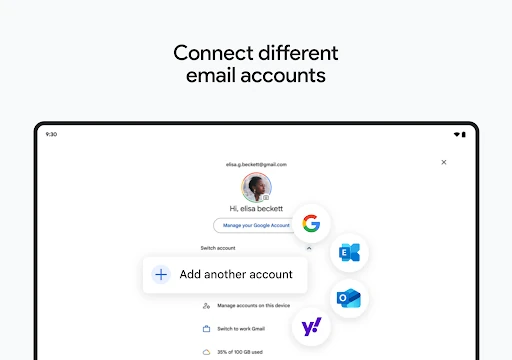
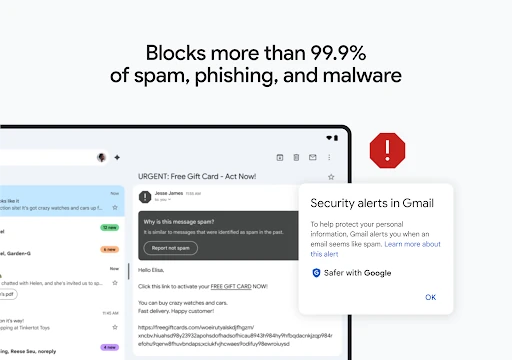
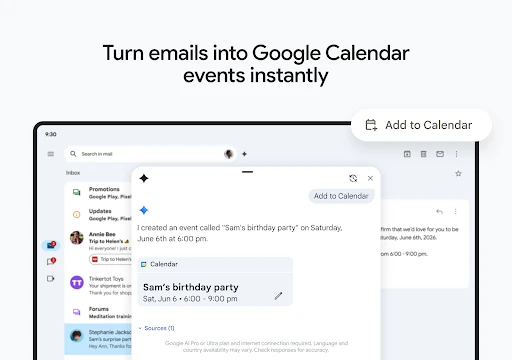
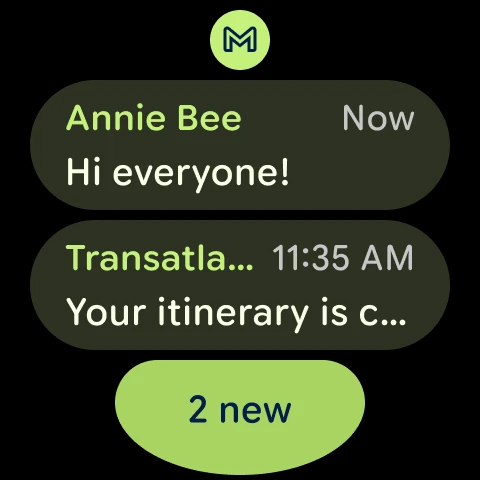
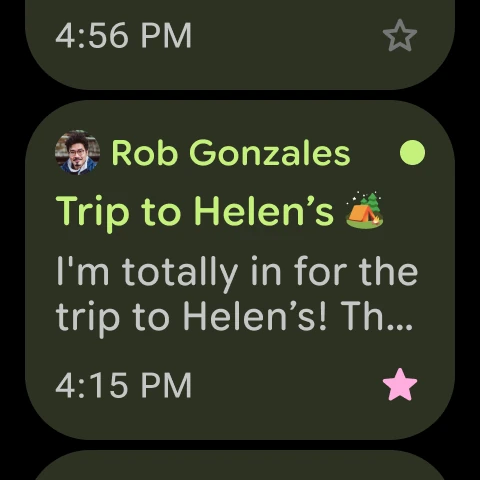
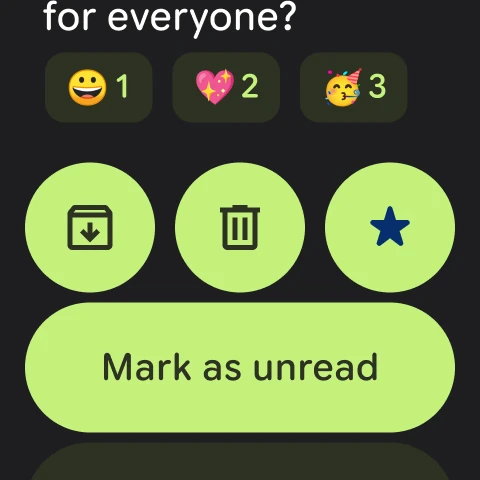
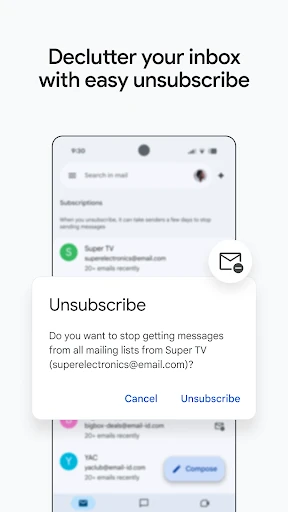
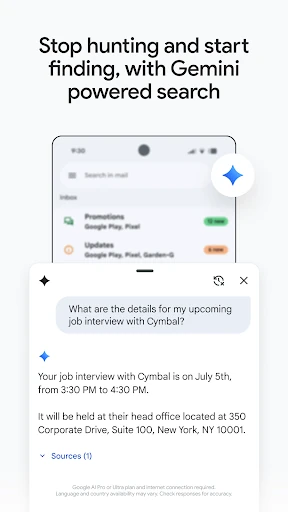
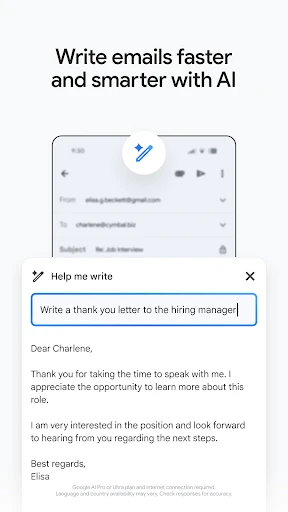
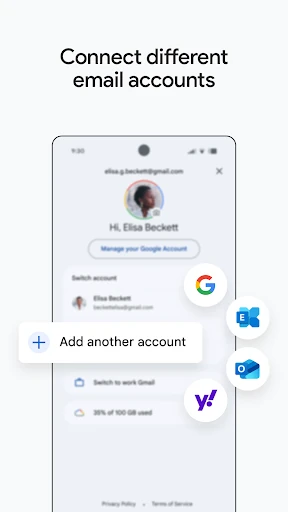
Click to download now, finish the installation quickly, and directly unlock the all-round experience
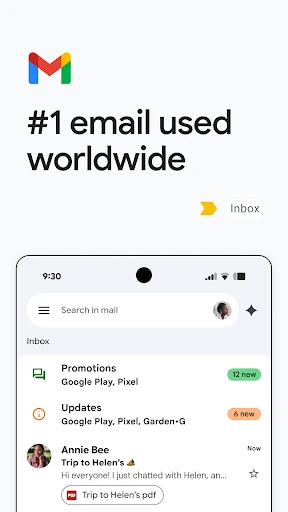
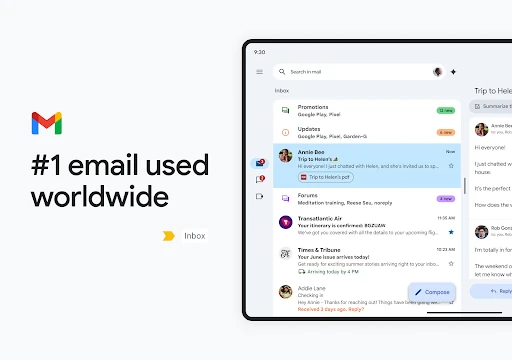
Gmail is an email app for reading, sorting and sending messages from a phone. It suits people who want their Google inbox on Android, as well as people who prefer to manage more than one email account in a single app. Google LLC is the developer. The listing shows a 4.1 rating from about 14.2 million ratings and 10,000,000,000+ installs.
Messages that have already synced may still be available to read without a connection. You’ll need internet access to fetch new mail or send a message; anything composed offline waits to send when you reconnect. What remains available depends on what has synced to the device, so don’t treat Gmail as a full copy of your mailbox for a long journey without signal.
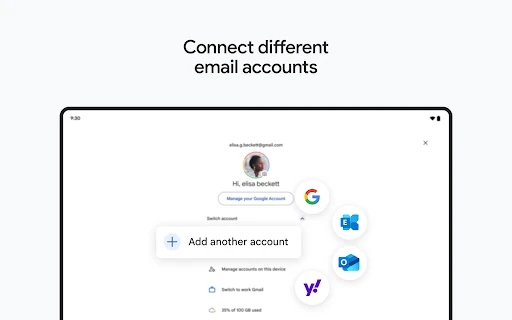
Gmail’s interface is available in many languages; the language you see depends on the language settings available on your device and app. A Google account gives access to a Gmail inbox, and the app can also bring other email providers’ accounts into the same interface. That makes it useful if you want fewer apps to check, though each account still follows its provider’s sign-in and mail settings.
Your mail is associated with its email account, while Gmail also keeps some data on the phone so messages can load quickly and remain available offline. That local data uses device storage. Messages and attachments in a Google account count toward that account’s storage; mail from another provider follows that provider’s storage rules.
Choose Gmail if you want a familiar mobile inbox with multiple accounts and some access to synced mail offline. If you need every message available without a connection, check what has downloaded before you travel.